Fields of Mistria Crashing? Three Fixes That Solve It
Published 2026-09-184 min read
Fields of Mistria crash fixes: verify game files in Steam, update your GPU drivers, and check the minimum specs. Steps for Windows and Linux.
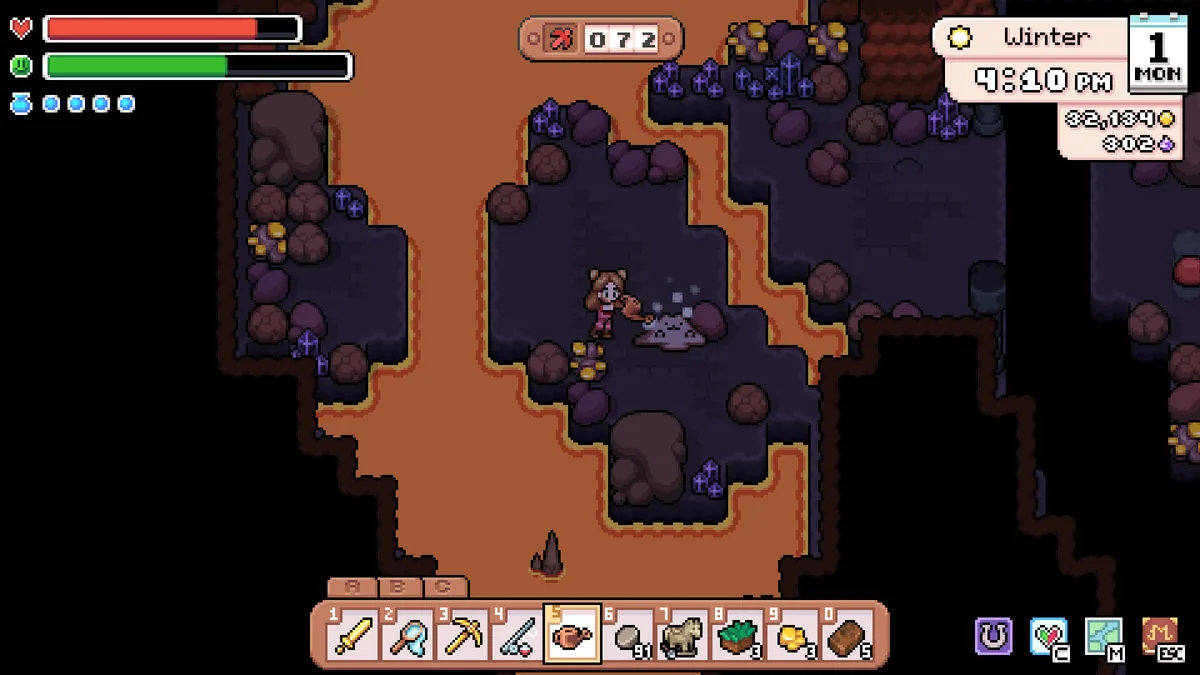
When Fields of Mistria crashes to desktop or refuses to launch, the cause is almost always one of three things: damaged game files, an outdated graphics driver, or a machine below the game's floor specs. Work through the fixes below in order — most players stop at step one.
Fix 1: Verify the Game Files
Missing or corrupted files are the most common cause of crashes and boot failures. Steam can repair them automatically:
- Open your Steam Library and right-click Fields of Mistria.
- Choose Properties.
- Open the Installed Files tab.
- Click Verify integrity of the game files.
- Wait for the scan to finish — Steam re-downloads anything damaged or missing, which usually takes under a minute given the game's tiny install size.
Launch the game again once the verification completes. If Steam replaced files, this alone fixes most crash loops.
Fix 2: Update Your Graphics Drivers
An out-of-date GPU driver is the second most frequent culprit, especially right after a big game update like 1.0:
- NVIDIA: grab the latest driver from NVIDIA's site or the NVIDIA App.
- AMD: use AMD Software Adrenalin or AMD's driver page.
- Linux players: update Mesa (or the vendor driver) through your distribution's package manager.
After installing a new driver, restart the PC before launching the game — a reboot flushes the old driver out of memory and prevents half-loaded states from causing the very crashes you are chasing.
Fix 3: Check Your Hardware Against the Minimums
If the game still crashes, compare your machine against the official system requirements. The bar is low — a GTX 460-class GPU and 6 GB of RAM — but machines under it can crash during area transitions or in busy scenes like festivals. Integrated graphics from the last few years clear the minimum comfortably; genuinely ancient hardware may not.
Still Crashing? Two More Things to Try
- Reinstall cleanly. Uninstall, restart, and reinstall from Steam — this rules out any local corruption file verification might have missed.
- Report it to the developers. Persistent crashes on spec-compliant hardware are worth reporting through NPC Studio's official channels listed on fieldsofmistria.com. Include your OS, GPU, driver version, and when the crash happens. Post-1.0 patches (the first landed August 19, 2026) have been actively fixing stability issues.