Fields of Mistria Controller Support: Gamepads Fully Supported
Published 2026-09-183 min read
Fields of Mistria has full controller support on Steam, with native Xbox, DualShock, and DualSense gamepad compatibility. Setup takes seconds.
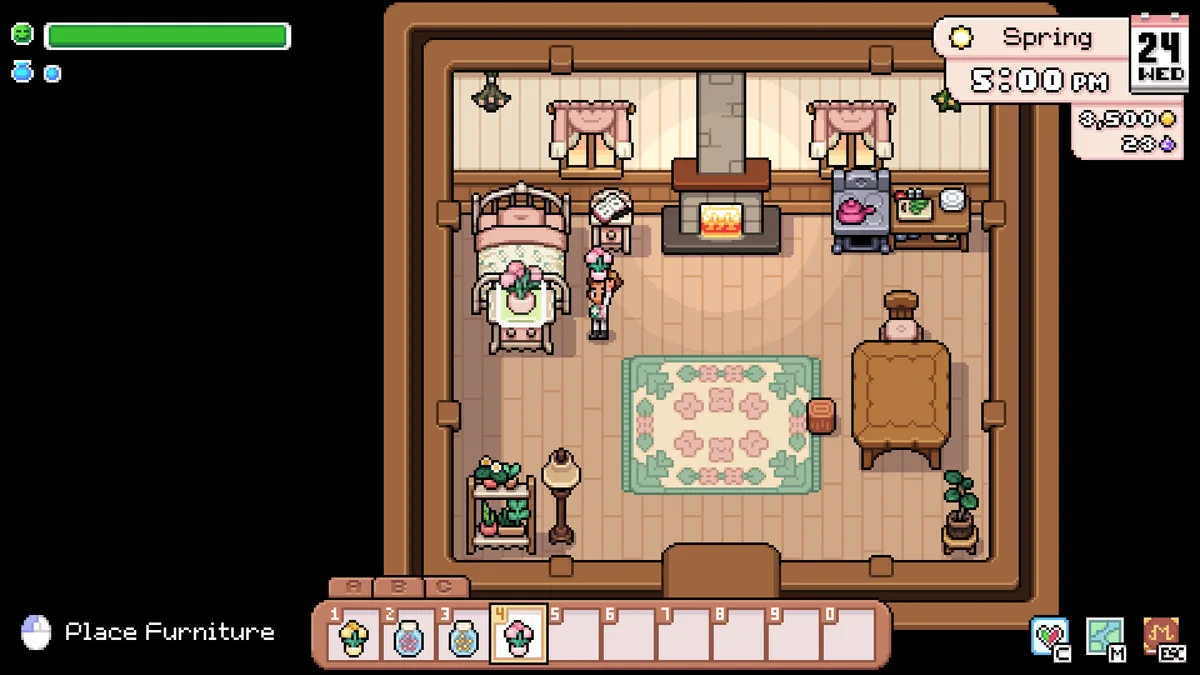
Fields of Mistria has full controller support. Steam categorizes the game under "Full controller support", and its store page specifically lists native compatibility with Xbox, DualShock, and DualSense gamepads — you plug in (or pair) a pad and the game picks it up automatically.
Which Controllers Work
| Controller | Support |
|---|---|
| Xbox controllers (One / Series X|S) | ✅ Native |
| DualShock 4 (PS4 pad) | ✅ Native — listed on the store page |
| DualSense (PS5 pad) | ✅ Native — listed on the store page |
| Other gamepads | ✅ Via Steam Input mapping |
| Steam Deck | ✅ Built-in controls, Verified |
Setting Up a Gamepad
- Connect the controller — USB cable, Bluetooth, or Steam's wireless adapter all work.
- Launch the game through Steam so the pad is detected.
- Play. There is no separate in-game toggle to flip; the interface, menus, farming, and combat are all navigable from the pad from the first frame.
If your particular pad is not from Microsoft or Sony, Steam Input is the safety net: it translates virtually any controller into a recognized layout, with per-game mapping profiles you can customize.
Why It Matters for This Game
A farm sim is a natural couch game. Controller support means Fields of Mistria plays comfortably from the sofa — daily chores, fishing, and festivals all map cleanly to a stick-and-buttons scheme, and the Steam Deck turns it into a natural handheld. Combined with the game's modest system requirements, a last-generation laptop plus a decades-old pad is enough for the full experience.